YouTube
YouTube is the biggest video-sharing platform where you can watch the latest video clips, and other informative content.

Safe & Secure
MX Player Beta is the beta version of the popular mobile video player from MX Player, ensuring an exciting experience of media content right on your mobile phone. It allows users to test new features added to MX Player for Android devices.
The beta version, similar to the previous versions, offers all basic functionality along with multiple additional features such as pinch-to-zoom, in-app YouTube browsing, advanced video acceleration, and so on. It makes your dealings with your favorite visual content quick, simple, and smooth.
MX Player Beta, offered by MX Media, is a powerful multimedia sharing platform that offers multiple new features for your ease to test, give feedback, and help the developers enhance the functionality. It offers more than 100,000+ hours for a free streaming service, and allows you to experience your favorite Original & Exclusive Shows, Videos, and so on.
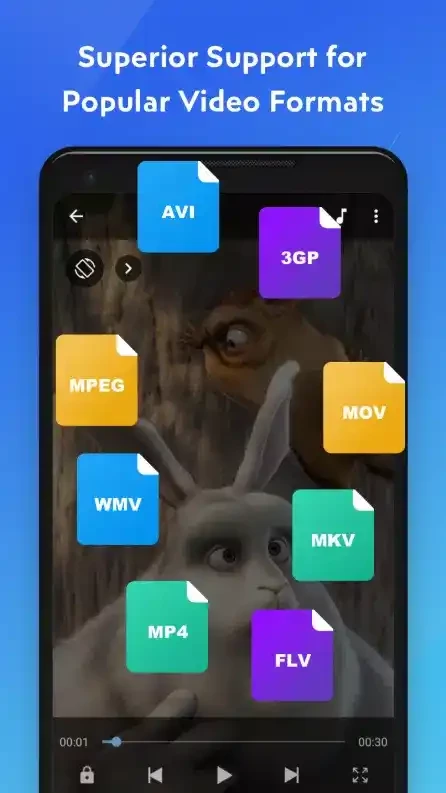
The addition of an acceleration system offers a lag-free video-playing experience and supports all types of file formats to allow users to enjoy their favorite content hassle-free. The free-to-use player offers quick updates with additional codecs to improve compatibility.
The app offers high-level response speed for audio and video content, as applying a light video file will respond smoothly. However, a large file can create some complexity, but the super high-resolution videos make it possible to enhance your entertainment experience without any technical issues.
The app offers a one-click experience of enjoying your audio and video files, as you can stream multiple videos simultaneously Like VLC. You will find flexibility of format selection, as it offers video formats, multiple rare formats, and formats for subtitles and audio. The supported format list is awesome, such as
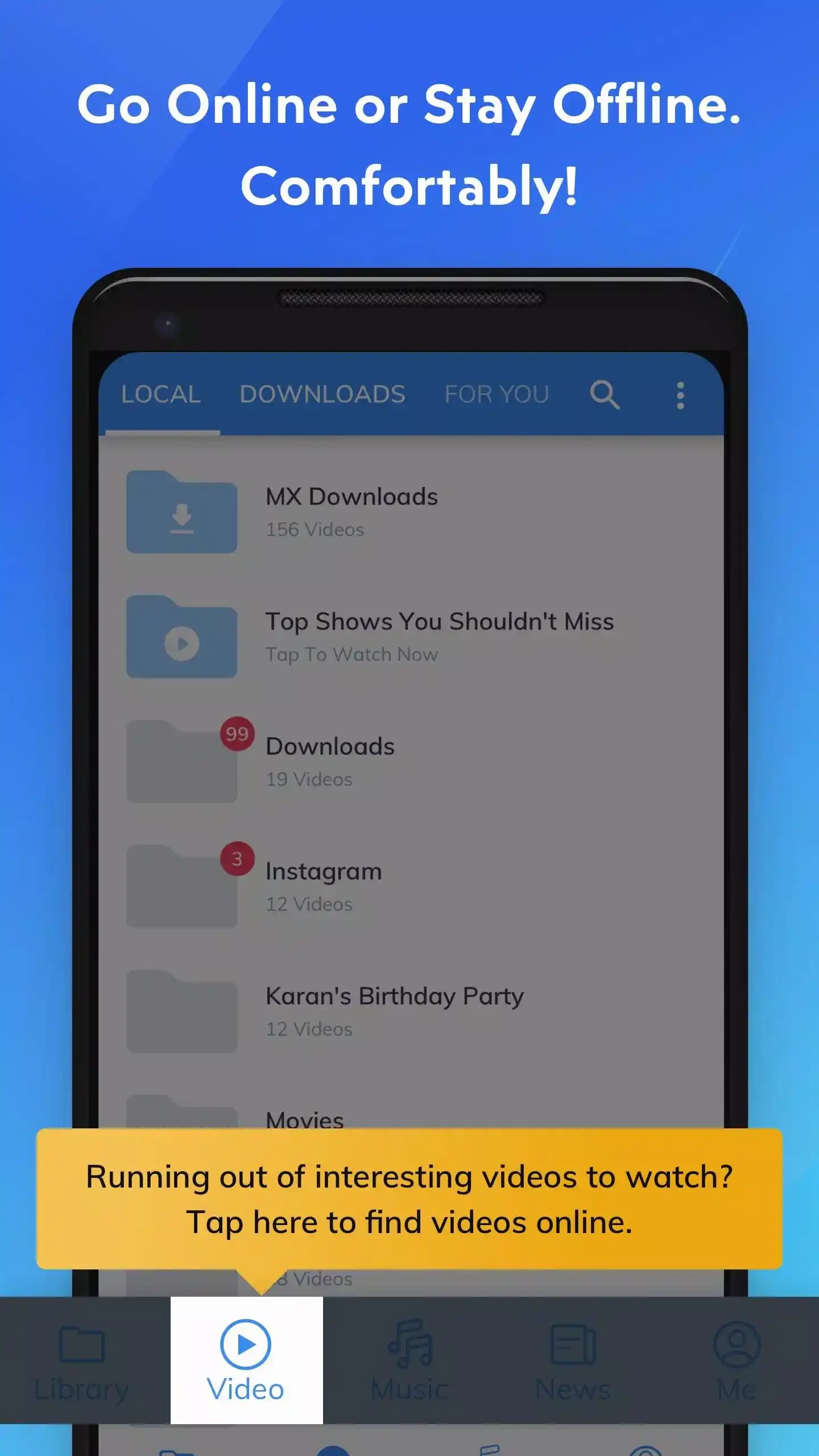
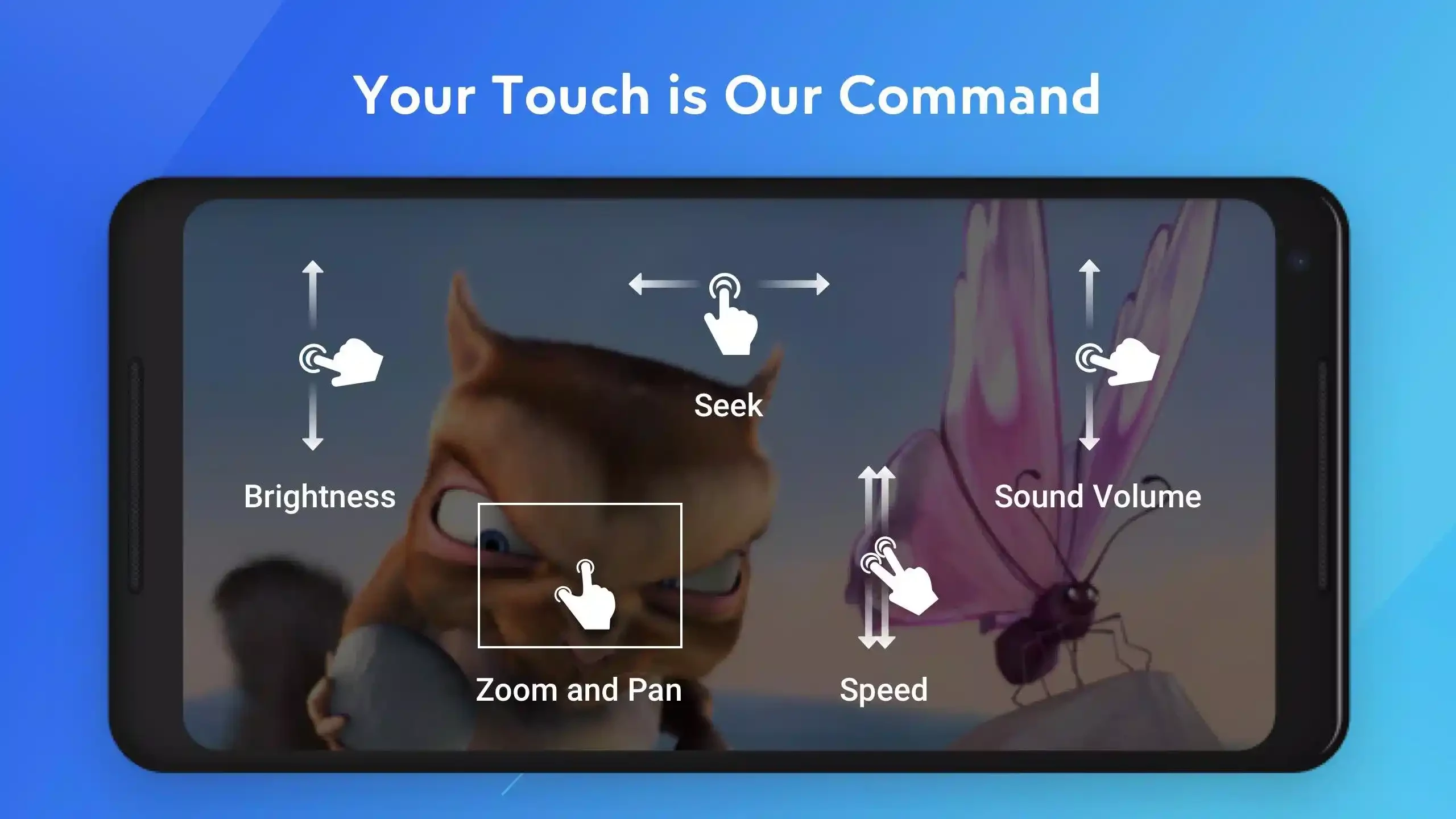
The interface with the highly customizable gesture control system is quite intuitive and simple to navigate. The customization helps to control the screen according to your preferences, and ensures that only the right commands are executed while ignoring the unnecessary commands. It is also possible to adjust the control commands on any part of the screen according to your preferences, regardless of the screen size. The facilitation of the use process with swipe actions, touches, double taps, and so on is also possible. In addition, the “Download” tab is also available to manage and locate the downloaded content with a single click.
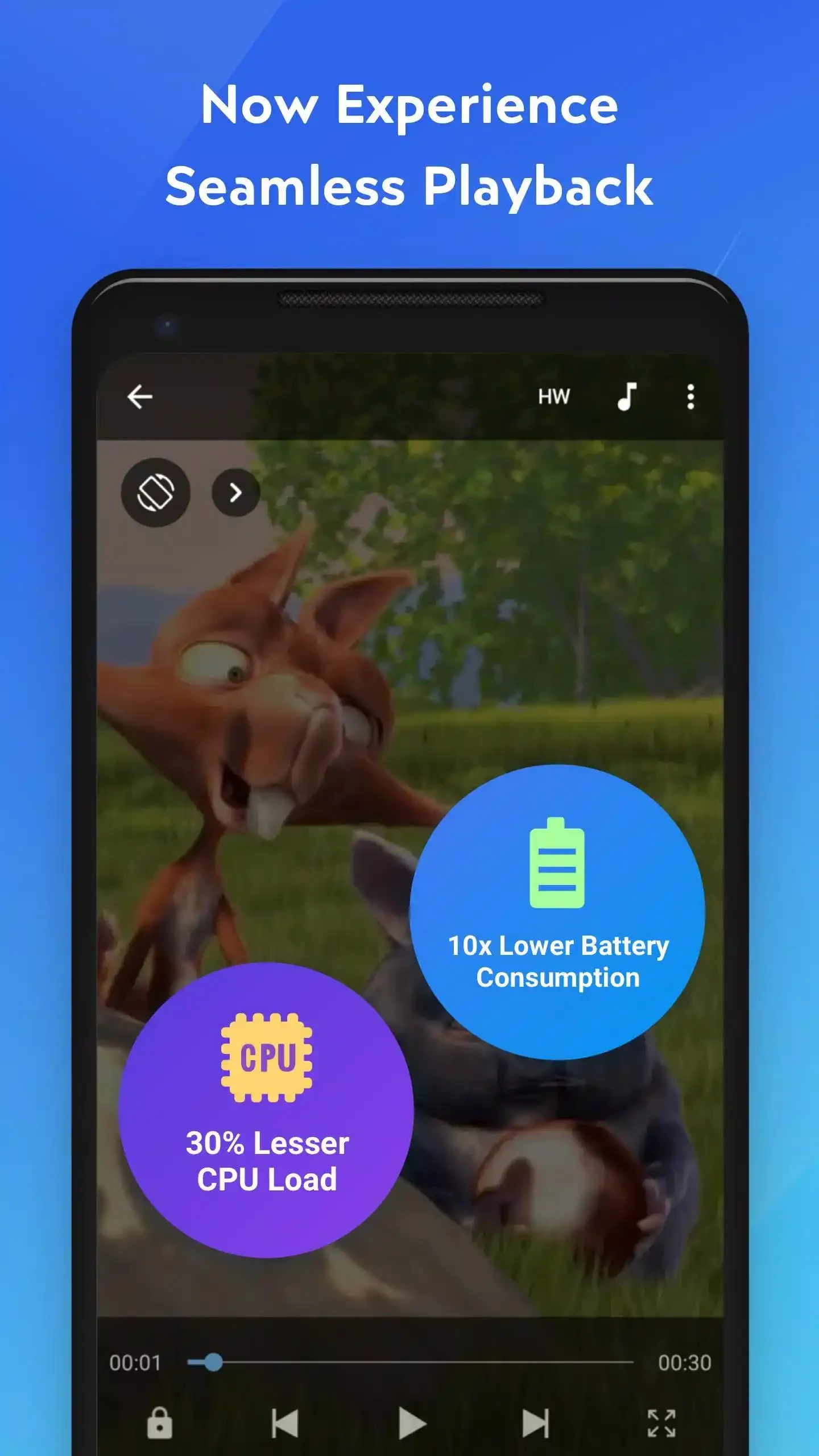
It is one of the core features that helps to enjoy a lag-free experience, specifically when watching huge visual files. It offers to get more videos while using the HW+ decoder. It is the best solution for the latest Android versions, as it also supports multi-core decoding and offers robust performance up to 70%, compared to single-core devices.
It is one of the advanced functionalities that enhances your watching experience without any distractions. So, you can easily zoom in and zoom out within quick movements such as pinching, swiping, etc. In addition, you will find the pan feature as well, and easily play or pause your screen by simply pressing the screen anywhere.
You will find multiple additional features, as the app offers an enhanced user experience while working as a multi-tasking utility, avoiding the use of multiple apps to manage your multimedia streaming. In the way, you can declutter your device while avoiding the downloading of multiple apps for mobile side tasks, such as;
You have to manage the app permission section, and enjoy your multimedia files without any interruption.
Pros
Cons

YouTube is the biggest video-sharing platform where you can watch the latest video clips, and other informative content.

CapCut specially designed for Android devices to edit high-quality short videos.

TikTok is the most popular video-sharing platform that offer short-form videos are delivered up to 60 seconds.

MX Player is a free video player, HW+ decoder option offers a lot of videos through hardware acceleration

TikTok Lite explores the world of short-form videos for free

Wink – Video Retouching Tool is a combination of multiple best and awesome tools, including support for AI technologies.